

In 2026, SaaS marketing will not focus on evaluating new technologies to adopt, but rather on understanding how to implement existing technologies more effectively within an established growth strategy.
Many SaaS organizations will look similar when it comes to the technologies they use to measure, communicate, optimize, and streamline their operations. The differentiation between one SaaS company’s success and another’s is not generally caused by the technologies used; rather, it is attributed to how those technologies were previously integrated/implemented with business objectives.
This article provides examples of the ways most SaaS companies currently utilize common marketing technologies and provides reasoning behind why those marketing applications may be in different stages within the SaaS growth lifecycle and how the organizations leverage these applications to address specific issues related to acquisition, activation, retention, and revenue.
The purpose of this article is to provide SaaS founders and marketers with the opportunity to use the information contained in this article in order to take the appropriate steps in order to facilitate informed decision-making regarding the application of these technologies and ultimately, facilitate measurable results.
1. HubSpot:
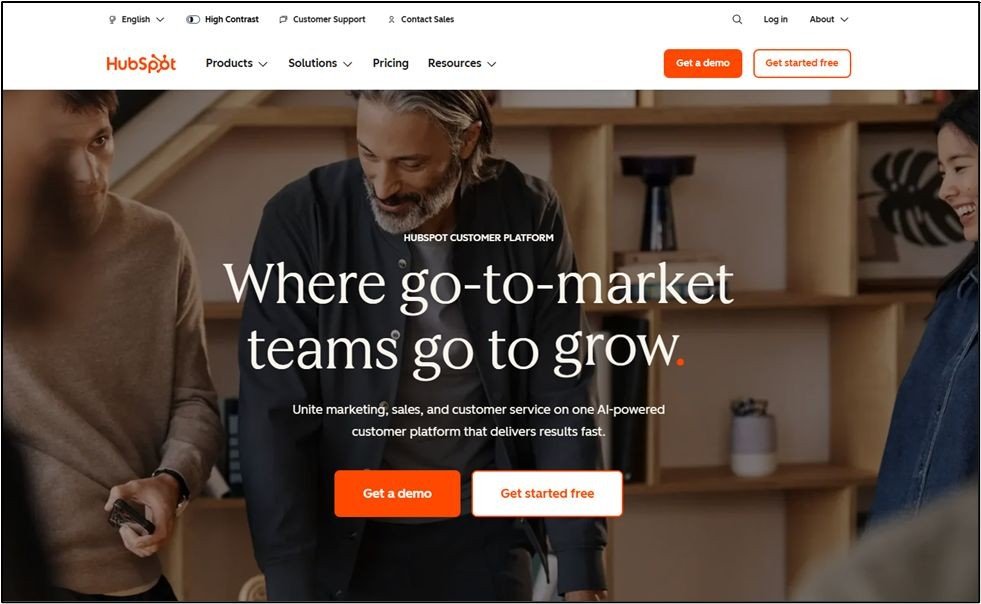
Why SaaS Companies Use HubSpot
HubSpot provides SaaS teams with a centralized platform to track and manage all of their leads, users, and customers, helping eliminate the need for separate marketing, sales, and customer service applications, thus allowing for better overall lifecycle tracking of customers and prospects.
Real-World SaaS Use Case
A B2B SaaS Company, as an example of how SaaS companies can utilize HubSpot, uses the HubSpot system for capturing new demo and trial users through forms on their website, using HubSpot’s marketing automation platform to provide onboarding emails, scoring leads based on user engagement, and passing qualified user accounts to their sales team once usage thresholds or intent thresholds have been met.
Key Features SaaS Teams Focus On
- CRM Lifecycle Stage Tracking
- Automated Marketing Workflows
- Scoring Leads to Determine Qualified Marketing Leads (MQL)
- Personalized Email Marketing
Common Mistakes to Avoid
- Only Using HubSpot for Email Campaigns
- Setting Up Automated Workflows Without Clearly Defined Lifecycle Stages
- Inconsistent Alignment Between Sales and Marketing Pipelines
2. SEMrush:
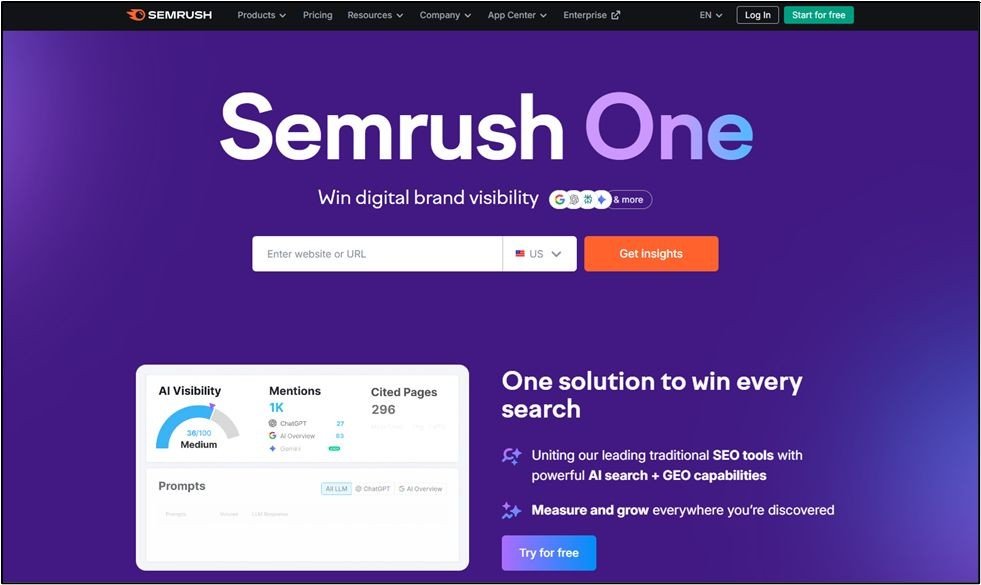
Why SaaS Companies Use SEMrush
SEMrush is primarily used to identify and fill the organic demand and competition gaps of various SaaS organisations. The majority of the SaaS marketing teams leverage SEMrush’s competitive intelligence capabilities to understand what keywords their potential customers/ end users are searching for, as well as by whom (e.g., which of the SaaS competitors are capturing the demand through PPC campaigns), to determine content marketing strategy and how, when, and where to drive traffic to their website.
Real-World SaaS Use Case
Utilising SEMrush, the SaaS marketing team can perform an analysis of their SaaS competitor’s keyword usage, take note of the comparison and alternative keywords that the SaaS competitors are using, and prioritise the keywords that support buyer evaluation and selection.
Key Features SaaS Teams Focus On
- Keyword gap analysis
- Domain-level competitive research
- Competitor content optimisation tools
Common Mistakes to Avoid
- Focusing solely on high traffic keywords
- Neglecting their funnel keywords (e.g., comparison/alternative, bottom of funnel, etc.)
- Creating SEO related content that does not include calls to action for conversions
3. Intercom:
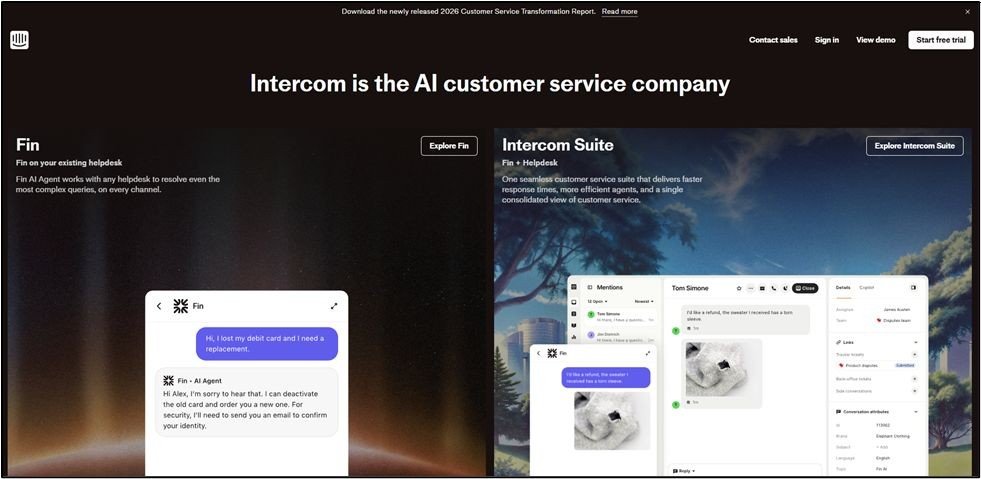
Why SaaS Companies Use Intercom
Companies rely on Intercom as an entry point for customers into their systems. They can also use Intercom to enhance the customer experience by offering contextual help and support, facilitating customer onboarding, and enhancing customer retention by prompt engagement.
Real-World SaaS Use Case
An example of this type of use case in SaaS companies that deliver services directly to customers through online sales is a product-led SaaS business. This company utilizes Intercom to deliver onboarding messages triggered by user actions, trigger feature guides when a user is stalled in using the software, and proactively message users who are using the product at a lower than expected level.
Key Features SaaS Teams Focus On
- In-app messaging
- Behavior-based triggers
- Chatbots and human escalation
Common Mistakes to Avoid
- Sending the same generic message to every single user
- Over-automation of user support actions that lack contextual information
- Utilizing Intercom for every possible user segment without defining the user segments beforehand
4. Mixpanel:
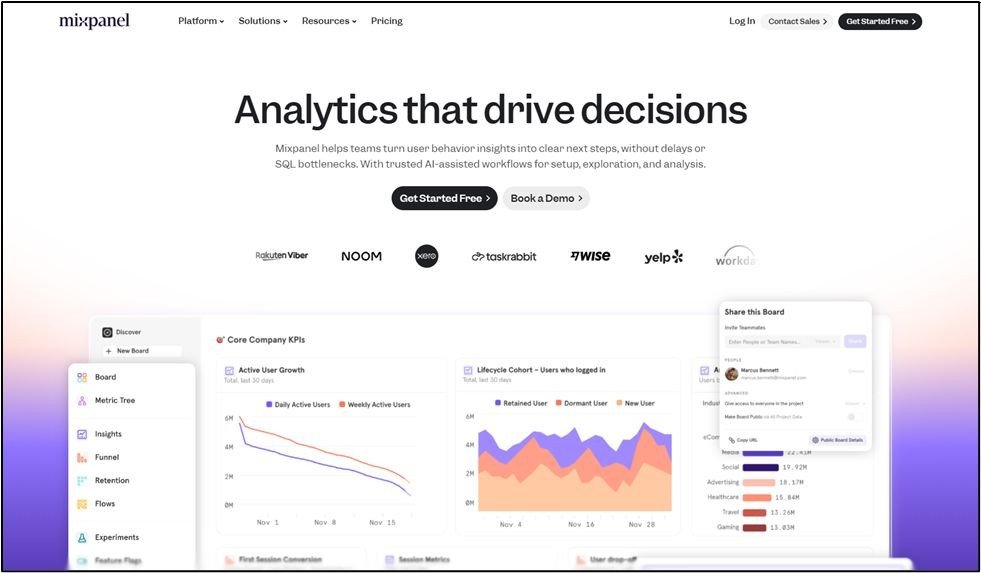
Why SaaS Companies Use Mixpanel
SaaS teams can use Mixpanel to find out how people use their website after signing up. It lets them see where users go during the onboarding process, what features keep them around, and what things are making it hard for them to use the product.
Real-World SaaS Use Case
SaaS teams utilize Mixpanel to analyze how successful a user is when onboarding, as well as how similar or different users are in retained users and users who have churned. They also use Mixpanel to find out which features of their product are most highly correlated to keeping their users engaged with their product.
Key Features SaaS Teams Focus On
- Funnel Analysis
- Cohort Retention Reports
- Event-Based Tracking
Common Mistakes to Avoid
- Tracking more events than you can quantify or track without clear goals
- Measuring how frequently someone is doing something, rather than measuring if they achieved the outcome you want.
- Not understanding how product metrics relate to revenue.
5. Mailchimp:
Why SaaS Companies Use Mailchimp
Mailchimp is a popular option among early-stage SaaS companies that value low costs and simpler process automation for email delivery.
Real-World SaaS Use Case
An emerging SaaS business utilized Mailchimp to automate sending emails to new trial customers, to notify customers when they launch new features, and to re-engage customers who had not used their software for a while.
Key Features SaaS Teams Focus On
- Automated workflows
- Segmentation of email list/s database
- A/B Testing Results
Common Mistakes to Avoid
- Don’t send single newsletter emails but automate email sequence/email list campaigns
- Don’t have a dirty or poor email list/s database of users
- Don’t ignore using a behavioral trigger to send automated email communications.
6. Ahrefs:
Why SaaS Companies Use Ahrefs
A SaaS company can leverage the functionality offered by Ahrefs (backlink analysis) to increase organic visibility over time.
Real-World SaaS Use Case
The SaaS marketing team at the company uses Ahrefs to conduct research on the company’s top competitors to uncover useful insights into their backlinks and determine where the company’s content gaps are, and which pages from competing companies have the most potential for attracting new customers (namely content that highlights the benefits of alternative solutions, integration with their product, or comparison pages to their product).
Key Features SaaS Teams Focus On
- Backlink Analysis
- Identifying Content Gaps
- Rank Tracking
Common Mistakes to Avoid
- Chasing Links That Don’t Have a Relevance to What You Are Trying to Achieve
- Publishing Content That Doesn’t Incentivize the Search Intent of Searchers
- Not Paying Attention to the Quality of the Links You Are Pursuing
7. Drift:
Why SaaS Companies Use Drift
To shorten the distance between their website visitors and sales conversations, B2B SaaS organisations employ real-time messaging.
Real-World SaaS Use Case
SaaS Sales Teams Use Drift in Order to Qualify their Inbound Visitors, Route High-Intent Accounts to Sales, and Create Demos Without Having to Complete any Form Submissions.
Key Features SaaS Teams Focus On
- Visitor Targeting
- Meeting Scheduling
- Qualification Logic
Common Mistakes to Avoid
- Not Utilizing Filters to Determine Potential Customer Intent
- Using Drift Exclusively as a Customer Service Tool
- Over Messaging on Low-Intent Visitors
8. Canva:
Why SaaS Companies Use Canva
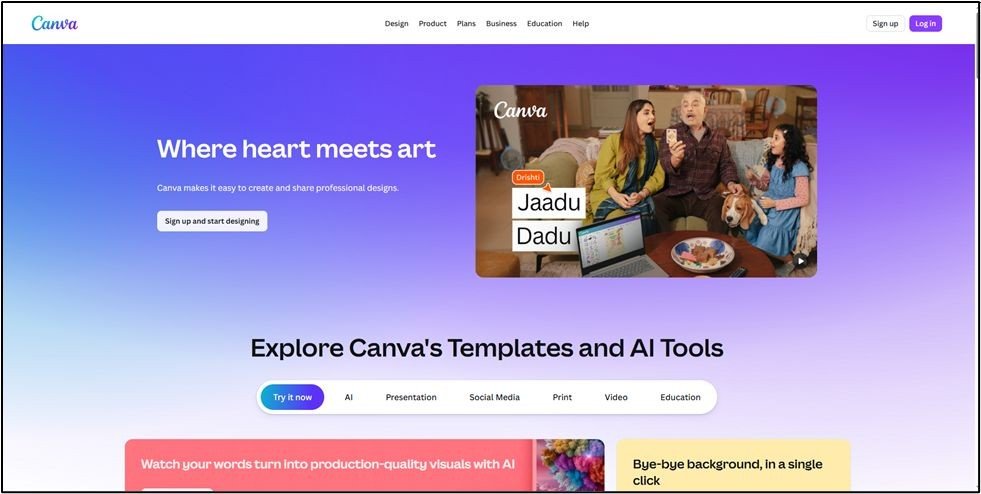
Canva serves SaaS businesses by helping them alleviate design-related bottlenecks (e.g., when a business has many employees who need to design beautiful, marketable materials) and enabling businesses to quickly produce marketing materials without having to rely heavily on professional designers for their branded content.
Real-World SaaS Use Case
In practice, this means that a SaaS Marketing Team has used Canva to create both social media images, presentation slides, and other marketing materials that have been produced internally by their team.
Key Features SaaS Teams Focus On
- Centralized Brand Kit
- Brand Templates
- Collaboration tools for teams
Common Mistakes to Avoid
- Inconsistent Brand Messaging
- Overly designed visuals that distract or confuse the audience
9. Google Analytics 4:

Why SaaS Companies Use GA4
SaaS companies use GA4 to monitor the User Journey before and after they convert.
Real-World SaaS Use Case
SaaS Companies use GA4 to monitor conversion paths, attribute traffic sources for conversion activity, and identify drop-offs from signups and activations.
Key Features SaaS Teams Focus On
- Event-based tracking
- Conversion Path Analysis
- Attribution Reporting
Common Mistakes to Avoid
- Misconfiguration of Events
- Reliance on Pageviews for Data Analysis
- Not Monitoring Post Signup Activity
10. Hotjar:
Why SaaS Companies Use Hotjar
The benefits of using Hotjar by SaaS Companies are to provide Qualitative insights into user behavior and friction, as well as complementing Quantitative Analytics.
Real-World SaaS Use Case
A SaaS Company Growth Team uses Hotjar’s Heatmaps and Session Recordings to identify and validate CRO Hypotheses around Friction on their Pricing and Signup Pages.
Key Features SaaS Teams Focus On
- Heatmap
- Session Recordings
- User Feedback Tools
Common Mistakes to Avoid
- Watching Session Recordings without a Defined Question Set
- Gathering User Feedback without any Follow-Up Action
11. Buffer:
Why SaaS Companies Use Buffer
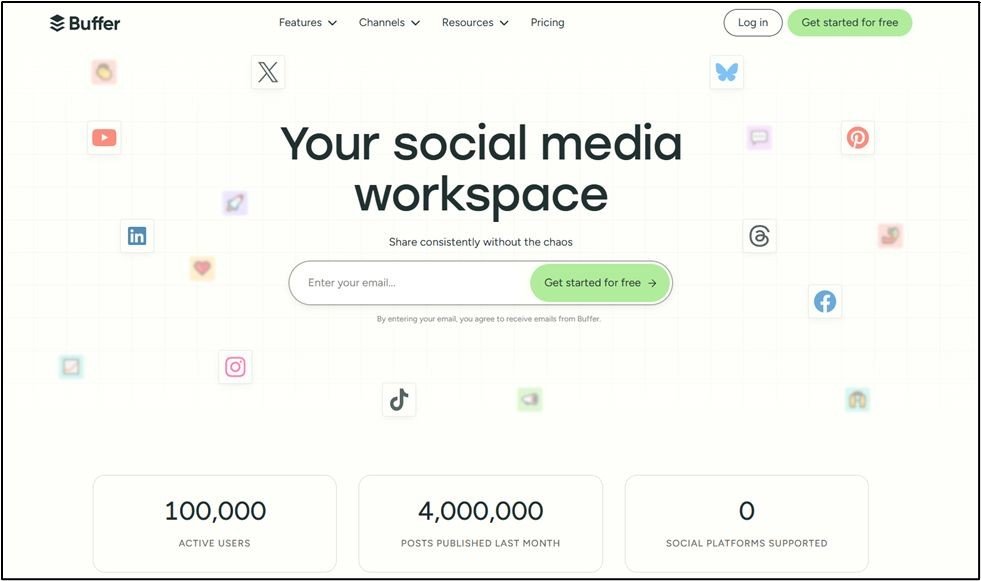
SaaS providers can use Buffer as a simple way to publish their social media postings consistently, while avoiding the complexity of using multiple tools to accomplish this.
Real-World SaaS Use Case
A real-world example of how a SaaS company utilizes Buffer is that they utilize Buffer to schedule educational content, promote any new product features, and gather data on how users are engaging with their products and each other via social media.
Key Features SaaS Teams Focus On
- The ability to Schedule Content
- Performance Analytics
- Team Access Control
Common Mistakes to Avoid
- Post Content Without A Strategy
- Ignore Engagement Metrics
12. Zapier:
Why SaaS Companies Use Zapier
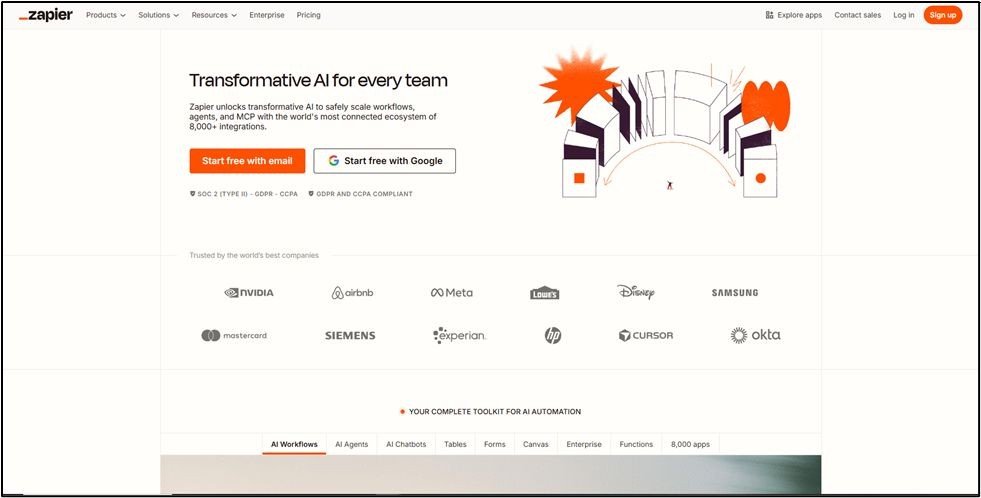
Zapier can be utilized by SaaS companies to establish connectivity between their various tools (such as Salesforce, Google Forms, Shopify, etc.) and automate repetitive tasks in their day-to-day workflow, so companies do not have to waste time, money, or effort trying to do it without developer resources.
Real-World SaaS Use Case
One company used Zapier to create a workflow between their Google Form, which captures form submissions, and their CRM (salesforce.com). Additionally, they were able to set up notifications to alert the team members of any “high-intent” activity made by prospects and automatically generate internal reports on sales activity.
Key Features SaaS Teams Focus On
- Zaps that contain multiple steps
- Conditional logic via filters
- Integrations with other applications
Common Mistakes to Avoid
- Automating Everything
- Not Documenting Workflow
- Creating Workflows That Are Fragile
13. Typeform:

Why SaaS Companies Use Typeform
Improve your response rates with Typeform, a tool developed to secure higher response rates for receiving survey feedback and generating insights for generating leads.
Real-World SaaS Use Case
Product teams use the Typeform service to build user registration and onboarding surveys, ask how customers like their products (Net Promoter Score), and to gain insights into leads prior to live demonstrations.
Key Features SaaS Teams Focus On
- Logic jumps in the Typeform survey
- Conversational flow through Typeform surveys
- Connecting Typeform with additional tools via Typeform integrations
Common Mistakes to Avoid
- Lengthy or Ill-Ordered Formats
- Asking Unneeded Questions
14. Optimizely:
Why SaaS Companies Use Optimizely
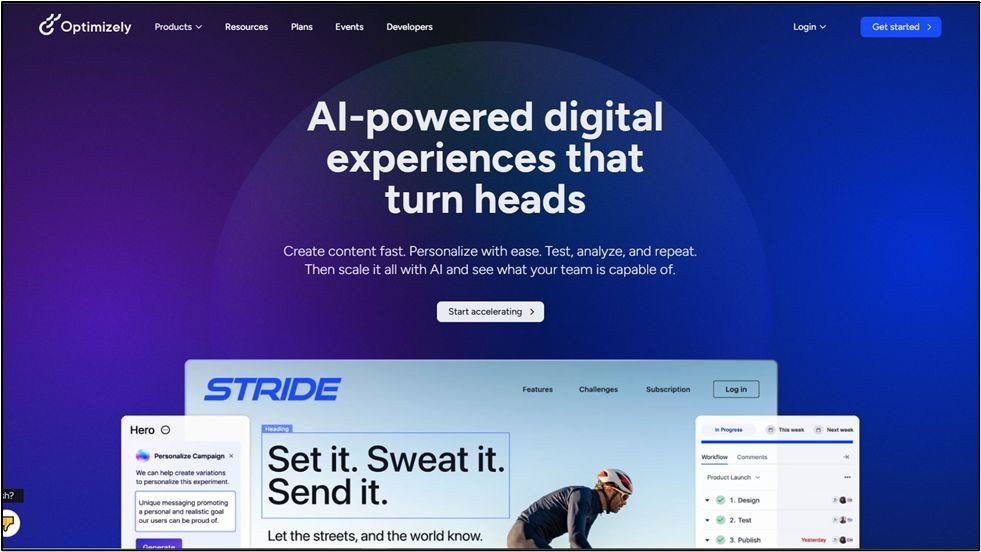
Optimizely allows controlled experimentation to advance conversion rates and enrich users’ time spent interacting with sites.
Real-World SaaS Use Case
SaaS company growth teams conduct tests on product price page layouts and spans of time used during onboarding, and test variations of messages sent from the application they provide, so that teams can know whether or not to proceed with changes before making these changes.
Key Features SaaS Teams Focus On
- A/B Testing
- Analytics On Experiments
- Rules Of Personalization
Common Mistakes to Avoid
- Testing Without A Situation Hypothesis
- Overlapping Tests (Running Multiple Tests)
- Declaring Winning Tester Too Early
15. Clearbit:
Why SaaS Companies Use Clearbit
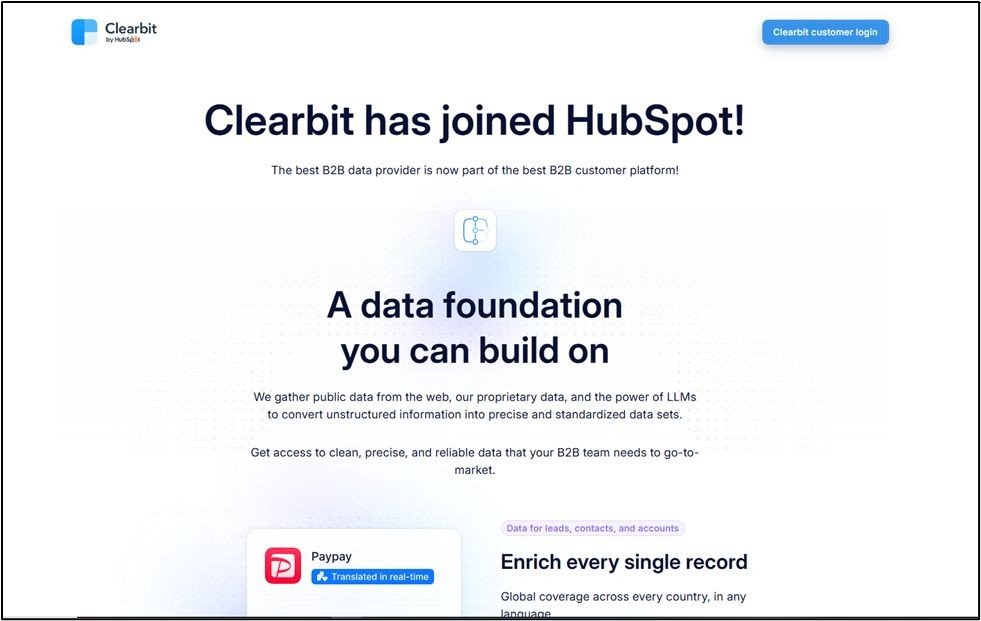
Through Clearbit’s advanced capabilities, B2B SaaS companies can enrich their lead and account data, enabling them to better segment and personalize for a target audience.
Real-World SaaS Use Case
Through the implementation of Clearbit to identify the target high-value accounts and create marketing outreach strategies based on the firmographics of those companies, a B2B SaaS company’s marketing strategy has greatly improved.
Key Features SaaS Teams Focus On
- Enrichment of firmographic data
- Tracking with Reveal
- CRM Integration
Common Mistakes to Avoid
- Segmenting their enriched company data into multiple segments without a clear segmentation logic
- Neglecting to comply with relevant compliance regulations.
Recommended SaaS Tool Combinations
Early-Stage SaaS
GA4, Mailchimp, HubSpot, Canva
Scaling SaaS
HubSpot, SEMrush, Mixpanel, Hotjar
B2B SaaS / ABM
HubSpot, Drift, Clearbit, GA4
How Glorywebs Supports SaaS Growth Beyond Tools
The use of SaaS marketing tools has become an essential part of many successful SaaS products today. The tools themselves will only be successful in helping you grow and scale your SaaS product with the help of a solid underlying foundation (i.e., product), data infrastructure, and the capability of building out and scaling your systems.
Glorywebs believes that the way in which SaaS companies can use the tools to improve their overall business success will depend on the way they are built into the company’s product development, analytics implementation, and marketing enablement. Glorywebs not only places its emphasis on selecting the tools; it will also ensure that those tools are sufficiently implemented, properly integrated into the overall technology stack of the SaaS company, and aligned with the overall business goals.
Glorywebs will provide SaaS businesses with its SaaS Software Development Services, which will allow SaaS teams to design and build their products to provide a platform for SaaS marketing and growth. These products will have an architecture designed to support growth, an application designed to be compatible with Marketing Analytics, and a system designed to automate the work of the marketing team. This architectural support allows the marketing team to use tools such as CRM systems, Marketing Analytics Platforms, and Engagement Tools without reliance on unreliable data or workflows.
Final Thoughts
As SaaS continues to evolve, the approach to SaaS marketing in 2026 will not be dictated by the specific tools teams select but rather by how teams intentionally choose to apply these tools.
Many SaaS organizations utilize this guide’s platforms at various stages throughout their strategic and operational journeys in terms of acquisition, onboarding, engagement, and retention. These tools will allow for continuous and measurable success when deployed with the same strategic objectives as well as integrated into the SaaS product and data stack, then assessed on an ongoing basis.
The most successful SaaS organizations integrate their marketing tools as part of an overall connected system. Additionally, these successful organisations not only focus on managing clean data and well-defined workflows, but they are also continually iterating based on how their users interact with their product.
SaaS organisations that select marketing tools suited for their growth stage and implement them with practical implementation strategies will continue to have accessible and scalable marketing operations as their businesses continue to grow.
FAQs
Are these tools suitable for early-stage SaaS startups?
Yes. All SaaS companies typically begin with an initial foundational architecture and will add additional components as they build traction.
Should SaaS teams use a free or paid plan?
Free plan is typically used to test and confirm the functionality of their processes, while a paid plan is often needed to enable automation and increased volume to serve a larger customer base.
Can these tools be integrated?
The majority of the tools have the ability to connect via native integrations, as well as through integrations made possible by platforms such as Zapier.
What are some of the favorite tools for B2B vs. B2C SaaS?
Companies focused on the B2B segment often utilize HubSpot, Drift, and Clearbit. Companies focused on the B2C segment tend to utilize Mixpanel, Intercom, and Hotjar.

Anil Parmar is the CEO of Glorywebs with over 13+ years of experience in AI-powered software solutions, digital marketing, SaaS solutions, and data engineering. He drives business growth through innovative, customer-focused strategies and shares actionable insights to help organizations thrive in today’s competitive landscape.