

Internet scams and the internet have grown side by side. Many people believe privacy is only important for those who have something to hide—but that’s far from the truth. Privacy is what defines us as individuals. If confidentiality didn’t matter, the idea of borders, secrets, and personal space would never exist.
A real-world example is the WannaCry ransomware attack in May 2017, which affected over 230,000 computers worldwide by encrypting user data and demanding payment in Bitcoin.
According to the Federal Trade Commission, a large percentage of young adults who report fraud actually lose money.
The reality is simple: no matter how cautious you are, cybercriminals are constantly evolving. What you need are practical ways to stay ahead and protect your online privacy.
1. Don’t Install Unknown Apps
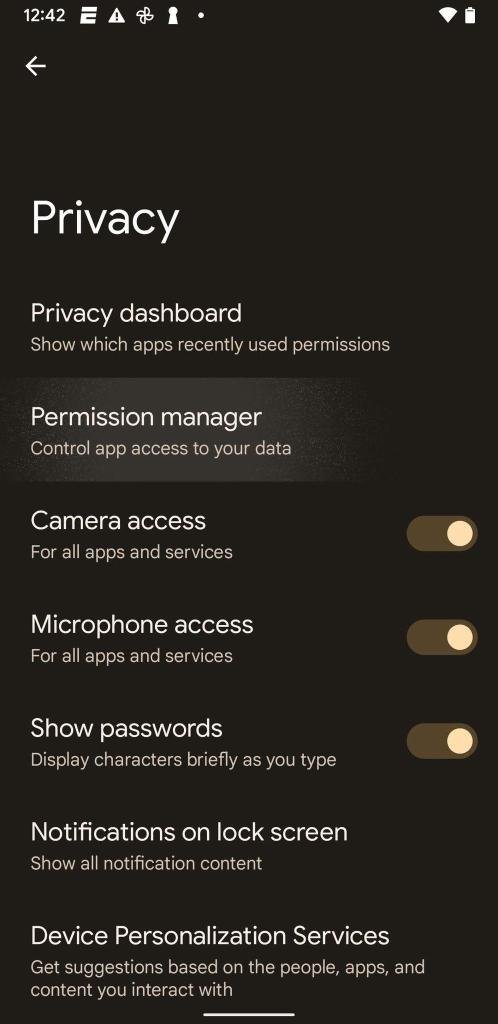
Every app you install asks for access—contacts, photos, camera, and more. But have you ever questioned why a simple app needs so much information?
Even one unsafe app can expose your entire device to malware.
A well-known example is Meitu, which went viral but raised concerns about collecting and sharing user data for advertising and regulatory purposes.
What You Should Do:
- Install apps only from trusted sources
- Avoid apps requesting unnecessary permissions
- Regularly review app access settings
2. Keep Your Devices Updated

Many people delay updates—but this is one of the biggest security mistakes.
The internet is full of vulnerabilities, and as soon as you go online, your device is exposed. Companies like Apple and Microsoft release updates to fix these issues, including major flaws like the Spectre vulnerability.
Even after updating, always check your privacy settings—updates can sometimes reset them.
Best Practice:
- Turn on automatic updates
- Don’t ignore security patches
- Review settings after updates
3. Encrypt Your Messages
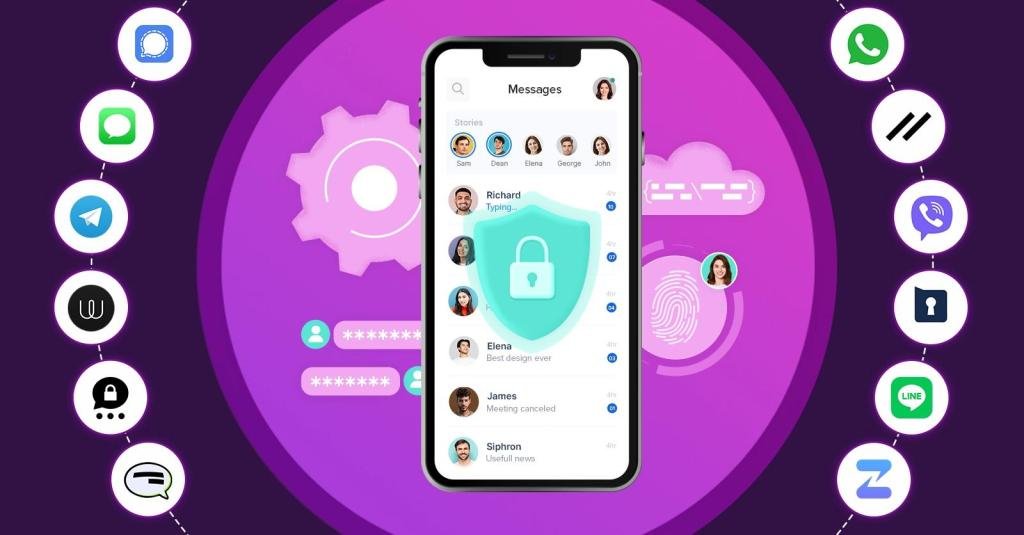
Many people assume their messages go directly to the recipient—but that’s not entirely true.
Messages travel through multiple systems, and there’s always a possibility of interception, even if it happens in milliseconds.
That’s why end-to-end encryption is critical. It ensures that only the sender and receiver can read the message.
Apps like WhatsApp and Signal provide strong encryption today.
What You Should Do:
- Use encrypted messaging apps
- Avoid sharing sensitive data on unsecured platforms
- Stay updated with app security features
4. Configure a VPN
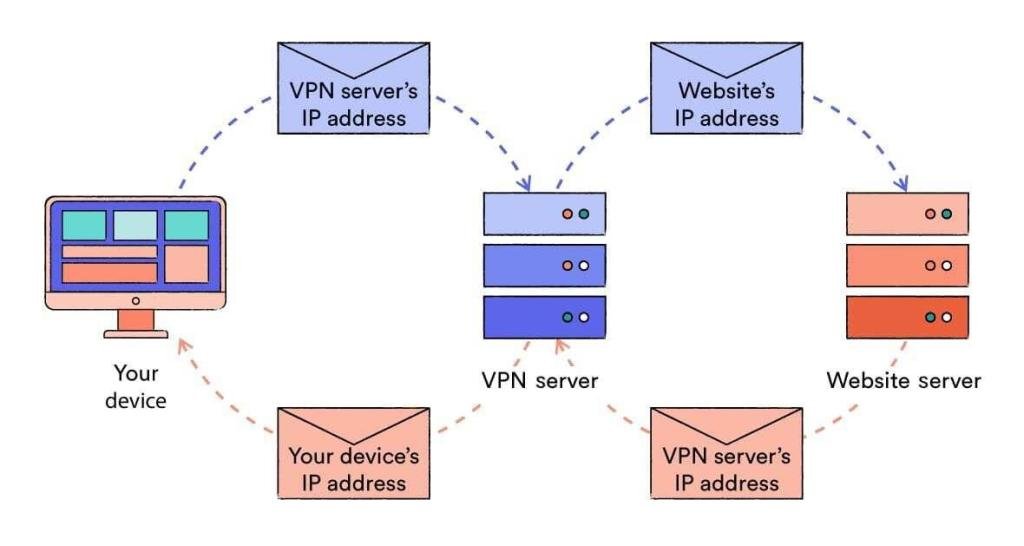
When you’re connected to the internet, your data, identity, and activity are constantly exposed.
Many people believe, “I have nothing to hide.” But even small pieces of information can be used against you.
A VPN (Virtual Private Network) hides your real IP address and routes your traffic through a secure server, making it extremely difficult for hackers to track you.
Benefits:
- Anonymous browsing
- Protection from hackers
- Safer access on public networks
5. Use Mobile Data Instead of Public Wi-Fi
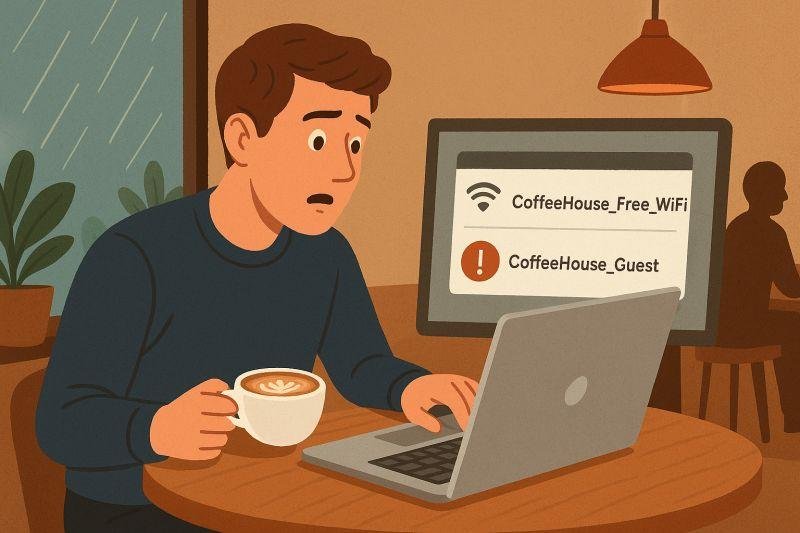
Public Wi-Fi networks are often unsafe and can be easily manipulated.
For example, attackers can create fake hotspots (like “Free Wi-Fi”) to trick users into connecting—once connected, your data can be stolen.
Safer Alternative:
- Use mobile data (3G, 4G, 5G)
- Avoid logging into sensitive accounts on public Wi-Fi
- Use a VPN if public Wi-Fi is necessary
Expert Insight (E-E-A-T)
This article is based on:
- Real cyberattack cases (like WannaCry)
- Consumer protection data
- Practical, real-world security practices
Cybersecurity experts agree: there is no single solution. The safest approach is combining multiple layers of protection.
Frequently Asked Questions (FAQs)
1. Why is online privacy important?
Online privacy protects your personal data, identity, and financial information from misuse and cybercrime.
2. Are free apps safe to use?
Not always. Some apps collect and sell user data. Always review permissions before installing.
3. Is a VPN necessary for everyday users?
Yes. A VPN adds an extra layer of protection, especially when browsing on public or shared networks.
4. Which messaging apps are safest?
Apps like Signal and WhatsApp offer strong end-to-end encryption.
5. Is mobile data safer than Wi-Fi?
Generally, yes. Mobile networks are more secure than public Wi-Fi hotspots.
Final Thoughts
No matter how careful you are, cyber threats are always evolving. But by taking simple steps—like avoiding suspicious apps, updating your devices, using encryption, and securing your connection—you can significantly reduce your risk.
Your privacy isn’t about hiding—it’s about protecting what belongs to you.

Chris Mcdonald has been the lead news writer at complete connection. His passion for helping people in all aspects of online marketing flows through in the expert industry coverage he provides. Chris is also an author of tech blog Area19delegate. He likes spending his time with family, studying martial arts and plucking fat bass guitar strings.