

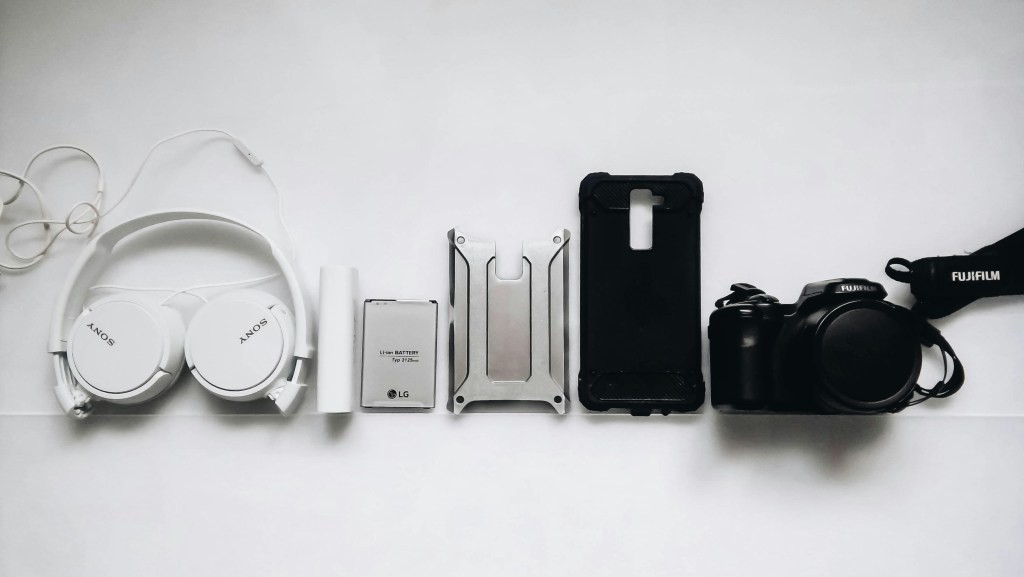
Taking better care of your accessories doesn’t take a ton of effort, and the results are exponentially beneficial for your device’s overall longevity. Yet, so many power users and casual users alike end up neglecting the very basics of smartphone accessory care and end up paying the price not too far down the line.
What can you do to extend the lifespan of your favorite accessories? Get all the answers you need with this detailed guide.
Why is Smartphone Accessory Care Worth It?
Should you even bother to go out of your way to take care of accessories like cases and power banks? The answer’s almost always yes. Your accessories are extensions of your smartphone, allowing your daily driver to perform beyond its capabilities and keeping those expensive upgrades at bay.
Neglect your accessories, and you’re looking at issues like faster battery degradation and even potential risks to your smartphone. That’s not the only reason you should focus on smartphone accessory care, either.
Save More
Even the very best, top-of-the-line accessories cost significantly less than your average new flagship smartphone. Taking poor care of those accessories, however, can lead to more frequent phone repairs and replacements. You might not notice, but those costs can add up deceptively quickly and become a real strain on the wallet.
Then there’s the direct impact that accessories can have on your phone. Replacing an iPhone screen remains prohibitively expensive even with Apple’s more consumer-friendly collaboration with iFixit. You can avoid that worst-case scenario entirely just by taking better care of your screen protector!
Guarantee Reliability in Daily Use
If you’ve ever had one of those old charging cables with a busted connector, you know just how frustrating it can be to perform simple everyday tasks when a single key device isn’t working optimally. Other similar accessory problems can affect your everyday routines, such as:
- Faulty power banks that spark when connected.
- Overheating charging accessories.
- Earbuds cases can’t ventilate properly due to dust, causing battery swelling.
Environmental Impact
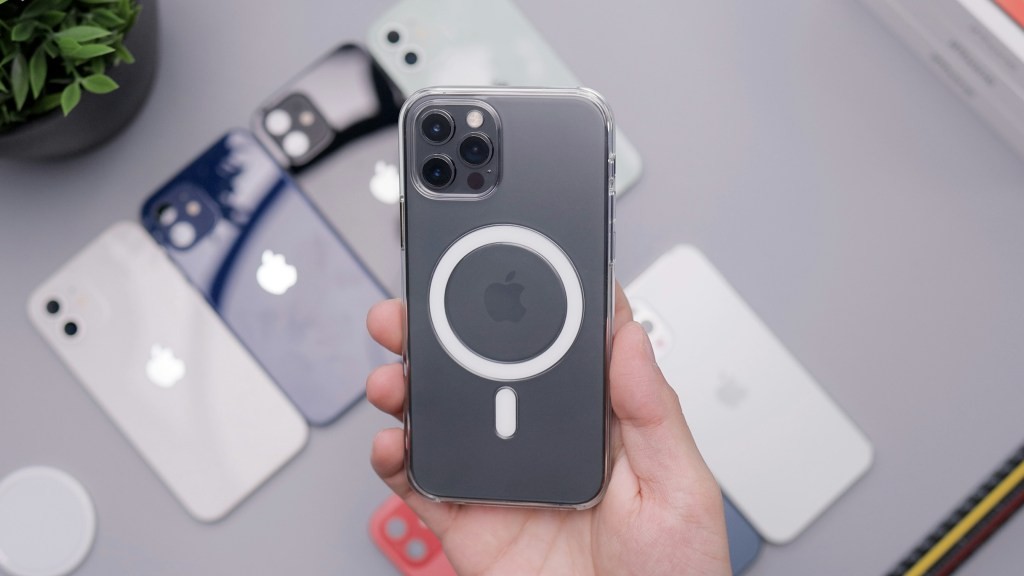
Most consumers today are at least moderately concerned about the environmental impact of their purchasing habits. If you fall into that pool, you should be acutely aware of the environmental benefits of proper accessory care.
Frequently buying smartphone cases, for example, only contributes to the landfill scourge facing many major economies today. If you buy a great case and take continuous good care of it over the long-term, you’ll never need another!
Dos and Don’ts: Smartphone Cases
Your phone case is the very first line of defense against major drops, minor bumps, and everything in between. It should also ideally be the accessory you take care of the most.
Phone cases can degrade deceptively quickly depending on the material you’re using. Cheap silicone cases are prone to tears, while tougher polymer-based cases can chip and even break off if handled improperly. So, what should you do instead?
Dos
- Regularly clean your case with a soft and slightly damp microfiber cloth to remove dirt and grime buildup.
- Periodically remove the case for a deeper clean of both it and your phone. This also prevents trapped dust from scratching your device.
- Pick cases made from more durable materials like polycarbonate or hybrids.
Don’ts
- Don’t expose silicone or rubber cases to extreme heat (e.g., leaving your phone in a hot car). This causes cases to warp and become discolored.
- When cleaning your phone case, avoid harsh chemicals such as bleach and abrasive scrubbers, which can degrade the protective coatings/case material.
- If your phone is already cracked or deformed, replace it as soon as possible. Cracked cases are significantly less effective in protecting your phone from drops.
Easy enough, right? A bit of consistent cleaning and mindful usage can double the life of most smartphone cases.
Dos and Don’ts: Screen Protectors
‘Scratch gate’ scandals are all too common, even with the newest flagships like the iPhone 17. Whether you’re using a tempered glass screen protector or a film screen protector, proper care is as important as knowing how to clean a clear phone case.
Dos
- Where possible, choose high-quality tempered glass screen protectors (9H hardness is ideal) for superior scratch resistance and impact absorption.
- Gently clean your screen protector with a soft microfiber cloth. Water is fine, but you can also use certain screen-safe solutions to effectively get rid of smudges and fingerprints.
- Scratched or cracked your screen protector? Replace it as soon as possible, as this can impact touch sensitivity and even allow debris to get under the glass.
Dont’s
- Never install a screen protector over dirty screens. Even small dust particles can leave permanent microscratches when trapped under the screen protector.
- Avoid using abrasive materials or applying excessive pressure when you’re cleaning a screen protector. This can scratch and even delaminate the accessory.
Gorilla Glass might have improved a ton over the years, but you should never take it for granted. A screen protector is by far the best way to steer clear of cracked displays and preserve your phone’s resale value over the long term.
Dos and Dont’s: Chargers and Cables
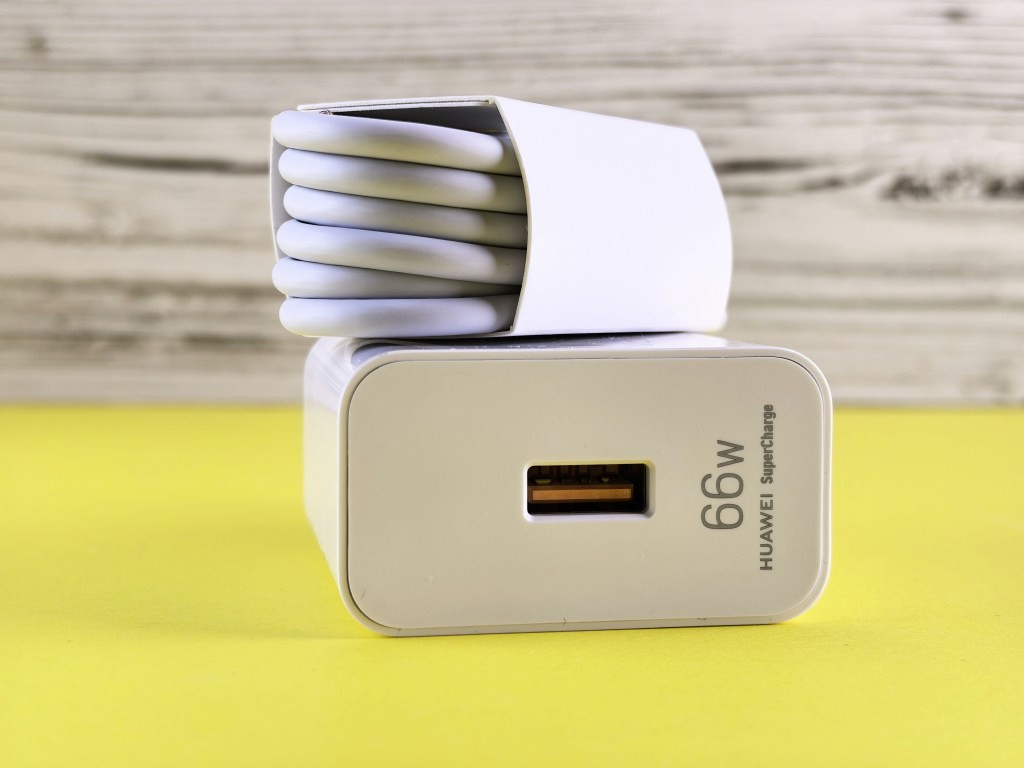
MagSafe power banks, wired chargers, and cables are all critical for daily use, but they’re also some of the most vulnerable accessories money can buy today.
Dos
- When in doubt, go for certified. You should use only certified, compatible chargers that match your device’s power requirements.
- You can prevent internal wire damage by keeping your cables straight and untangled during storage.
- Regularly clean your charging ports and contacts with a dry toothbrush or compressed air. Any affordable compressed air canister should suffice here.
Dont’s
- Avoid using damaged cables with frayed wires or bent connectors, as they can pose massive fire and shock risks.
- Avoid charging your phone in extreme temperatures (both hot and cold) to prevent battery strain.
- Do not charge overnight habitually. If you need to leave your phone plugged in, use the built-in charging features to limit capacity to 80%.
Proper Smartphone Accessory Care Starts on Day 1
Dos and don’ts aside, the biggest mistake people make with their smartphone accessories is not being informed enough before they make a purchase. Keep these pointers in mind the next time you decide it’s time for an upgrade or replacement.
Certifications Matter
Official certifications are a must-have for any reliable accessory, and they’re excellent markers of quality even if you’re unfamiliar with tech.
- iPhone users should look out for the MFi (Made for iPhone/iPad) certification. This ensures that the accessory has been tested to meet strict compatibility standards.
- If you’re all-in on wireless charging, keep an eye out for the Qi2 certification that guarantees you’re getting the ultimate fast charging experience you deserve.
- For screen protectors, look for the 9H hardness rating, which indicates exceptional scratch and impact resistance.
Common Warning Signs
There are also a couple of key red flags you need to know about when you’re out shopping for phone accessories:
- If it looks too cheap to be true, it probably is. You get what you pay for when it comes to accessories, and a small investment today is almost always worth it down the line.
- Counterfeits abound, and they’re getting exceedingly more difficult to spot. Look for packaging that features blurry printing or misspelled words. Labels may also be crooked or missing holograms and serial numbers entirely.
- Beware packaging that features vague product descriptions without model-specific information. This is a common sign of aftermarket packaging for counterfeit products.
Signs It’s Time for a New Accessory
You can follow the dos and don’ts to a T, but every smartphone accessory has a finite lifecycle, and you should know how to spot the right time for a replacement. After all, continuing to use defective accessories like cracked cases only opens your phone up to more problems.
We already mentioned signs like cracks and deformations in our cases section, but you should also watch for mushy or loose buttons. Similarly, for screen protectors, you’ll notice that touch sensitivity starts to decline, and edges might lift.
Age Considerations
Most accessories (assuming you’re buying from a reliable brand) should easily last you anywhere between 3-5 years or even beyond. If you’re in this range, it’s perfectly okay to go for a proactive replacement if you’ve noticed even one of the signs mentioned above.
Better Accessory Care Doesn’t Have to Be Hard!
Getting the absolute most out of your favorite smartphone accessories ultimately comes down to following consistent routines and being proactive. Whether you’re only rocking a silicone case or you’re fully decked out with a full MagSafe ecosystem, better care today means peak performance for years.

Chris Mcdonald has been the lead news writer at complete connection. His passion for helping people in all aspects of online marketing flows through in the expert industry coverage he provides. Chris is also an author of tech blog Area19delegate. He likes spending his time with family, studying martial arts and plucking fat bass guitar strings.